Sometimes you need to be doing that.
When I was in the process of selling CSS-Tricks to DigitalOcean, they wanted to understand the stack and basic architecture of the site. I was like: it’s a pretty basic WordPress deal: PHP, MySQL. Wait but there is a bit more to it. It’s hosted on Flywheel who do a little of their own stuff. Cloudflare is in front of it. I host the (most of) the code on GitHub. It deploys from there with Buddy. That’s a mouthful, so how about some boxes and arrows!
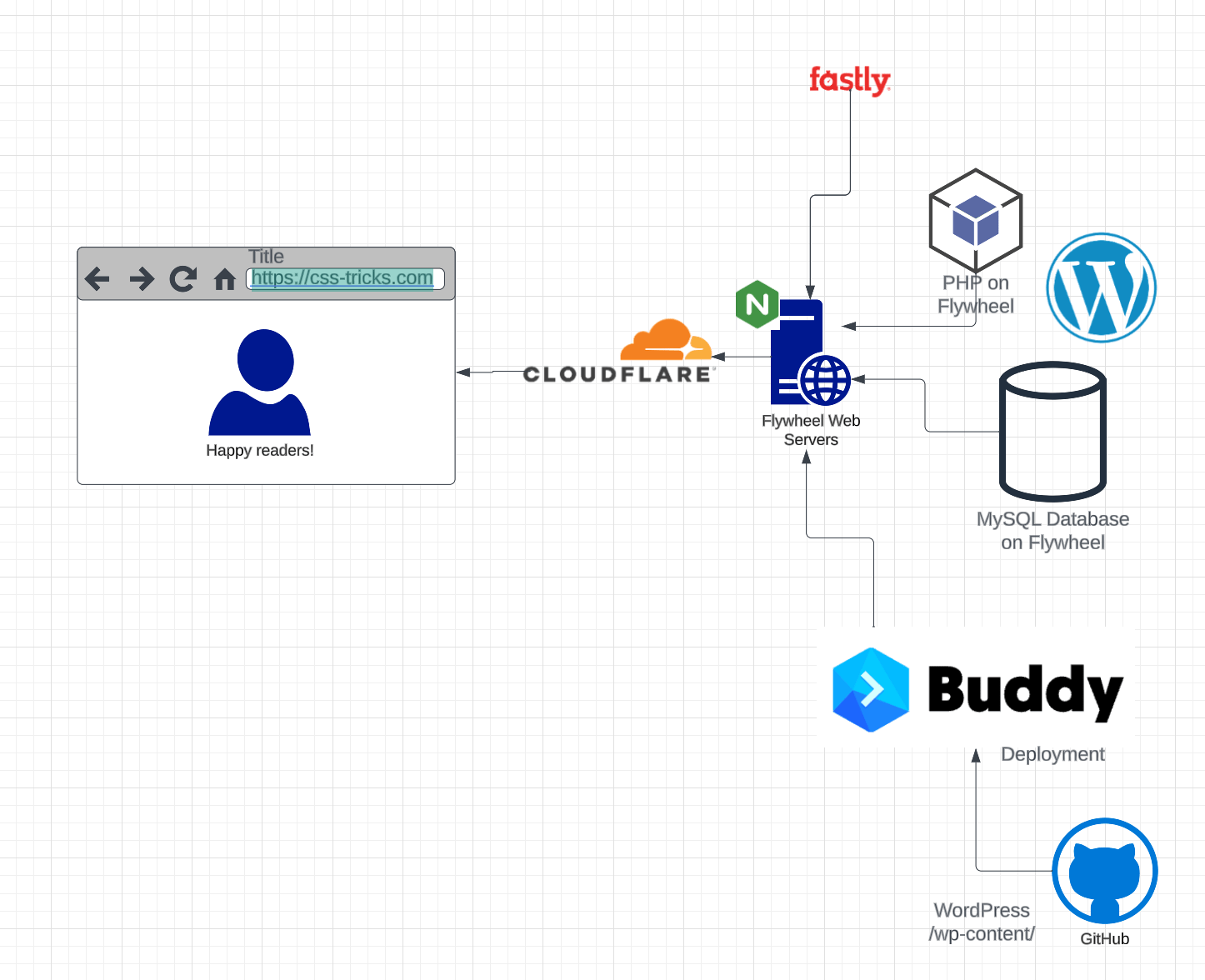
That’s literally exactly what I do on this website too, by the way. That’s just my way of working with WordPress and I find it very manageable.
The chart above is made in LucidChart, which seems to be a big player in this world. It’s all the app does, and it does a pretty good job of it. I’m actually a little jealous of how their in-app upsells work. Need a little picture of a browser? Sure, no problem, paid feature. I can see being highly annoyed by that, but as a product owner myself, tapping into this in-the-moment needs is a smart way to do it.
I once used LucidChart to explain how our landing pages work on CodePen where we host a “shell page” in one location and snag the content via API elsewhere and “stitch” them together.
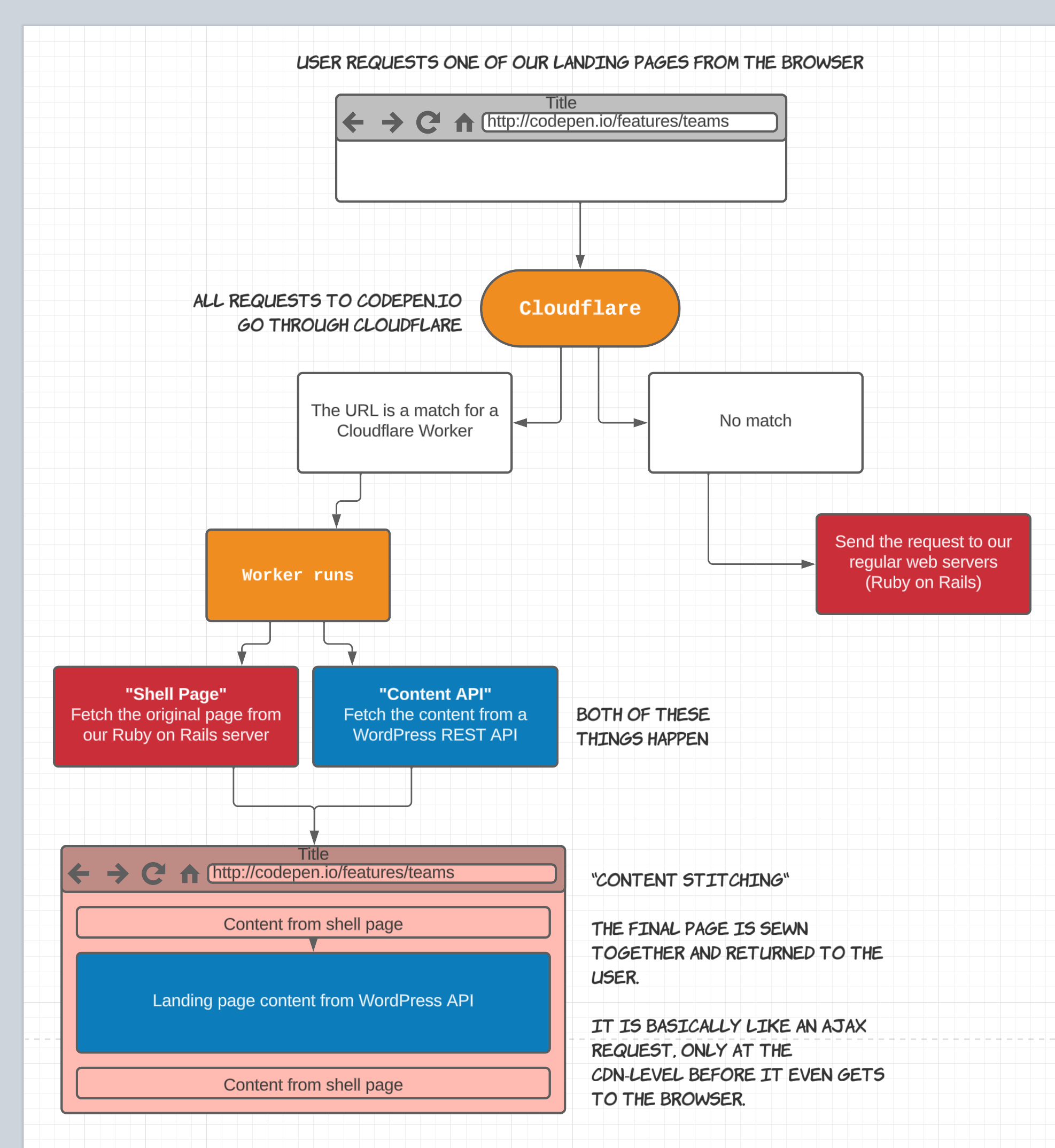
Neither of the above was any kind of aesthetic masterpiece, but they got the job done.
What if you don’t want to drag things around and essentially use a graphic design tool for this job? What if you’d rather code?
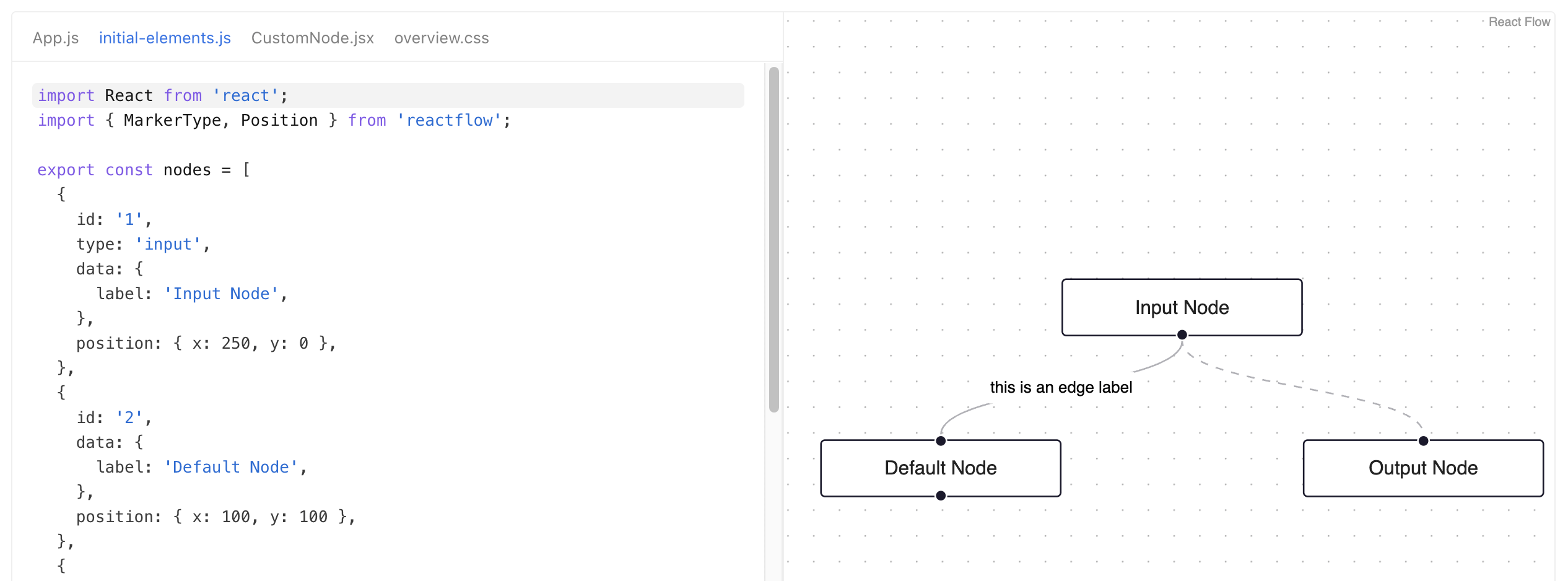
I saw ReactFlow the other day which does the boxes-and-arrows thing, but the data source is essentially a bunch of JSON, then you control the features with props and styling with CSS.
Mermaid
Don’t miss Mermaid! which I think is probably the most accessible code-to-chart system around. It’s built into GitHub commenting and Notion, so that’s probably a helpful for the type of people that read this blog. They call it “Markdown-inspired”.
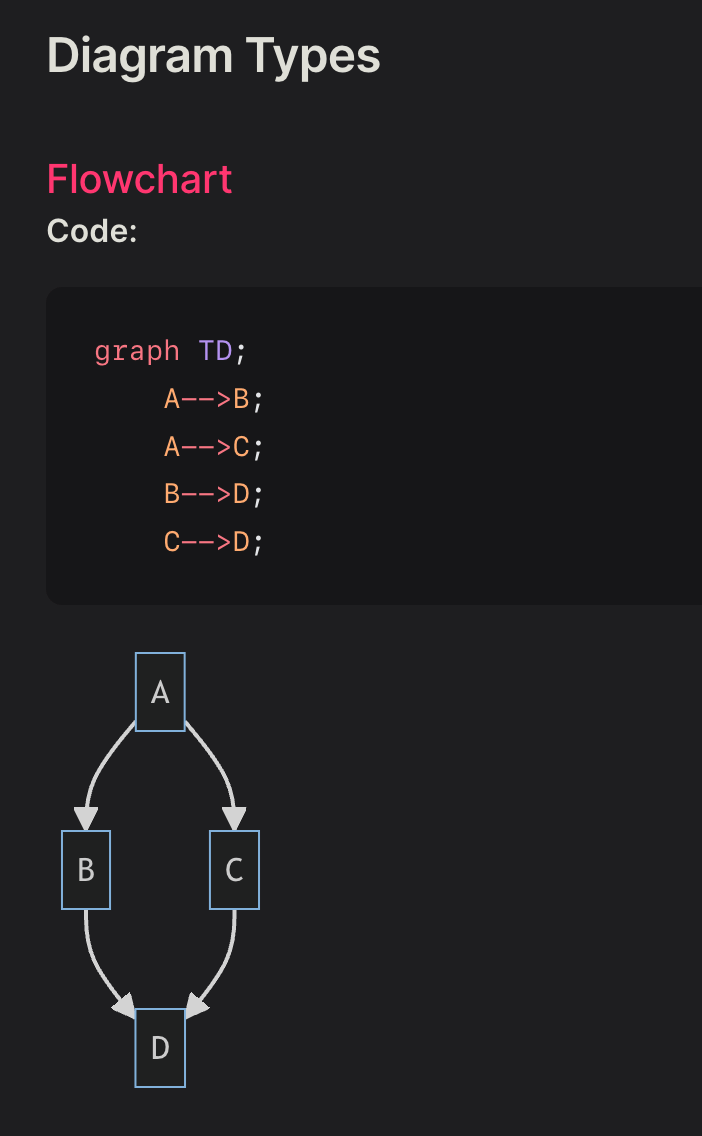
I used it just the other day to document a website pages hierarchy to help understand what pages link to what other pages and go “under” them which will affect the URLs and such. The chart is ultimately what is useful to see, but it took some light “code” to make it.
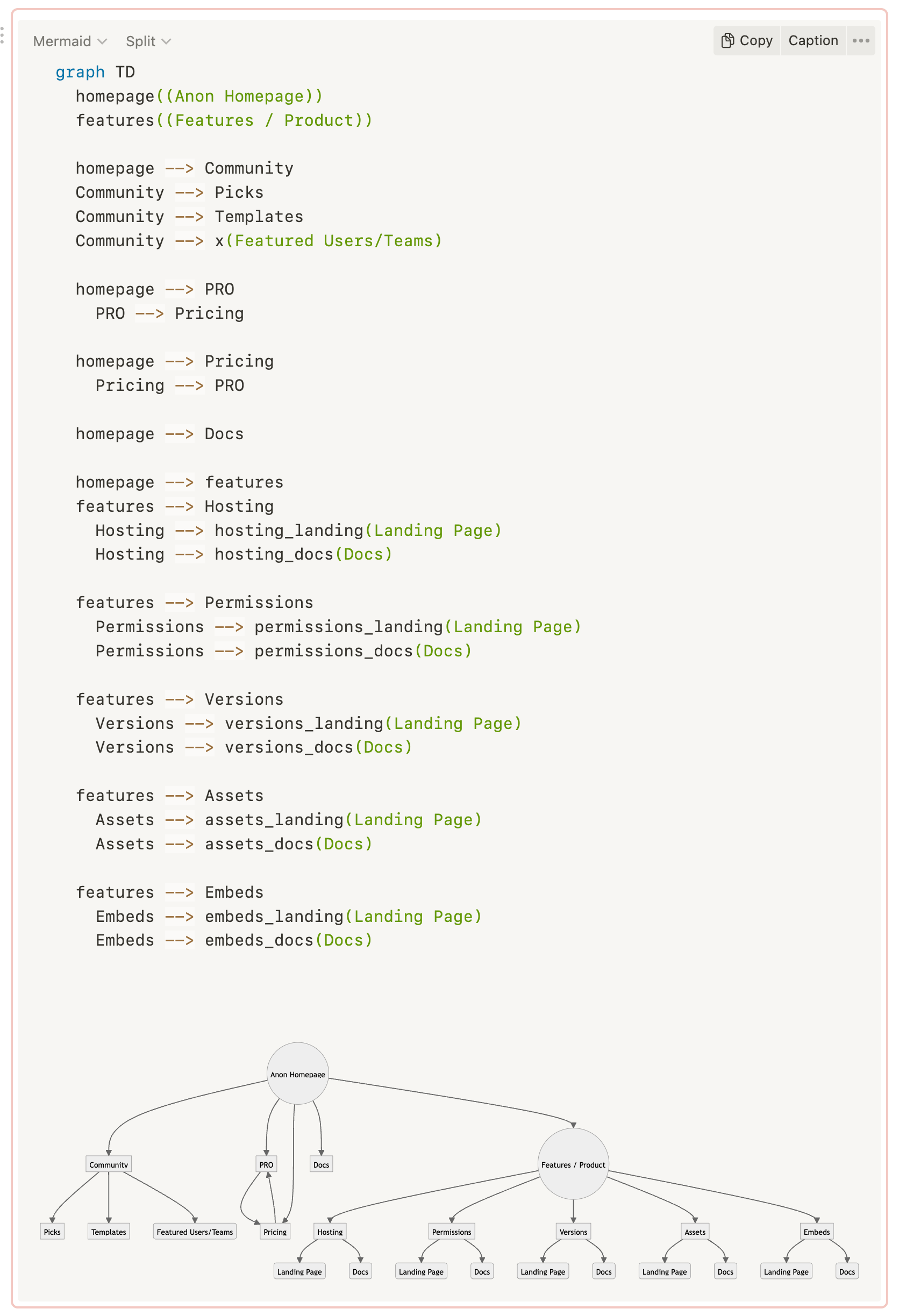
Mermaid supports a few different kinds of charts. We’ve used “sequence” charts effectively before too, which are helpful when talking about web services. Stuff like: user clicks button, GraphQL mutation happens, load balancer sends to orchestration server, data processing is farmed out to microservices, error is detected, message to client happens immediately so user knows, data processing continues where possible, blah blah blah. Sometimes you just have to draw stuff like that out to help yourself and your team think through it.
From what I understand, the OG “source graph visualization software” is Graphviz. And maybe Mermaid is based on it? They are very similar, anyway. And Graphviz is usable on the web also thanks to a Web Assembly port of it.
I think you’ll know if you’re in a “I need production-grade code-based graph production software” or “I need to noodle around with some boxes and arrows to help me think” situation.
Classic Design Tools
There is nothing stopping you from doing diagrams in Adobe Illustrator or Sketch or Regular-Figma or whatever. Heck you could use MS Paint. Heck, you could use JS Paint!
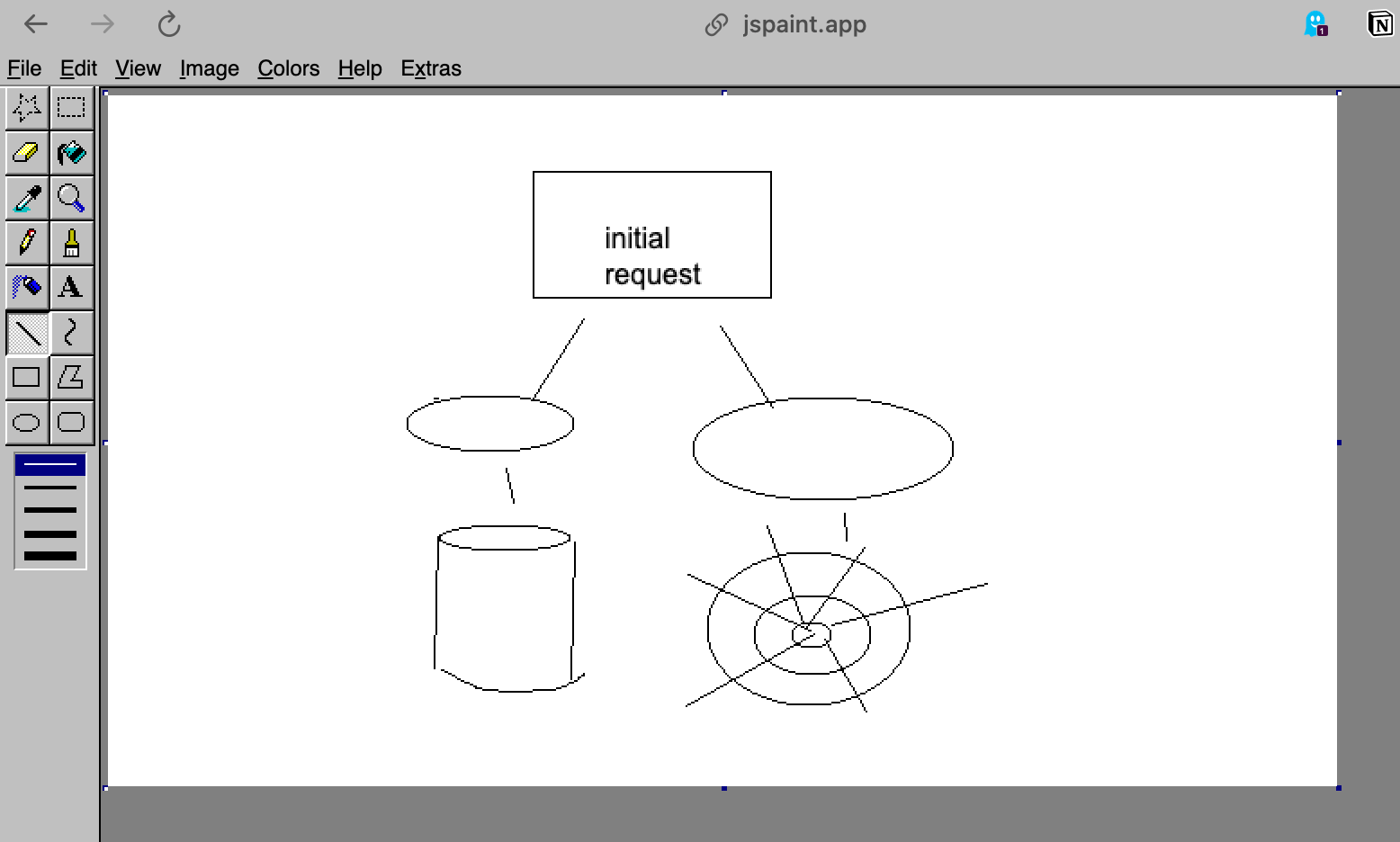
The problem here is that you’re just not getting much help. Every single node is bespoke. It will take forever. Adjusting things will be painful. And frankly how bad it will (probably) look might be more of a distraction than you want.
FigJam
I said “Regular Figma” above because they make a whole separate tool that is actually pretty good for drawing diagrams and features boxes-with-arrows as a first-class citizen of it.
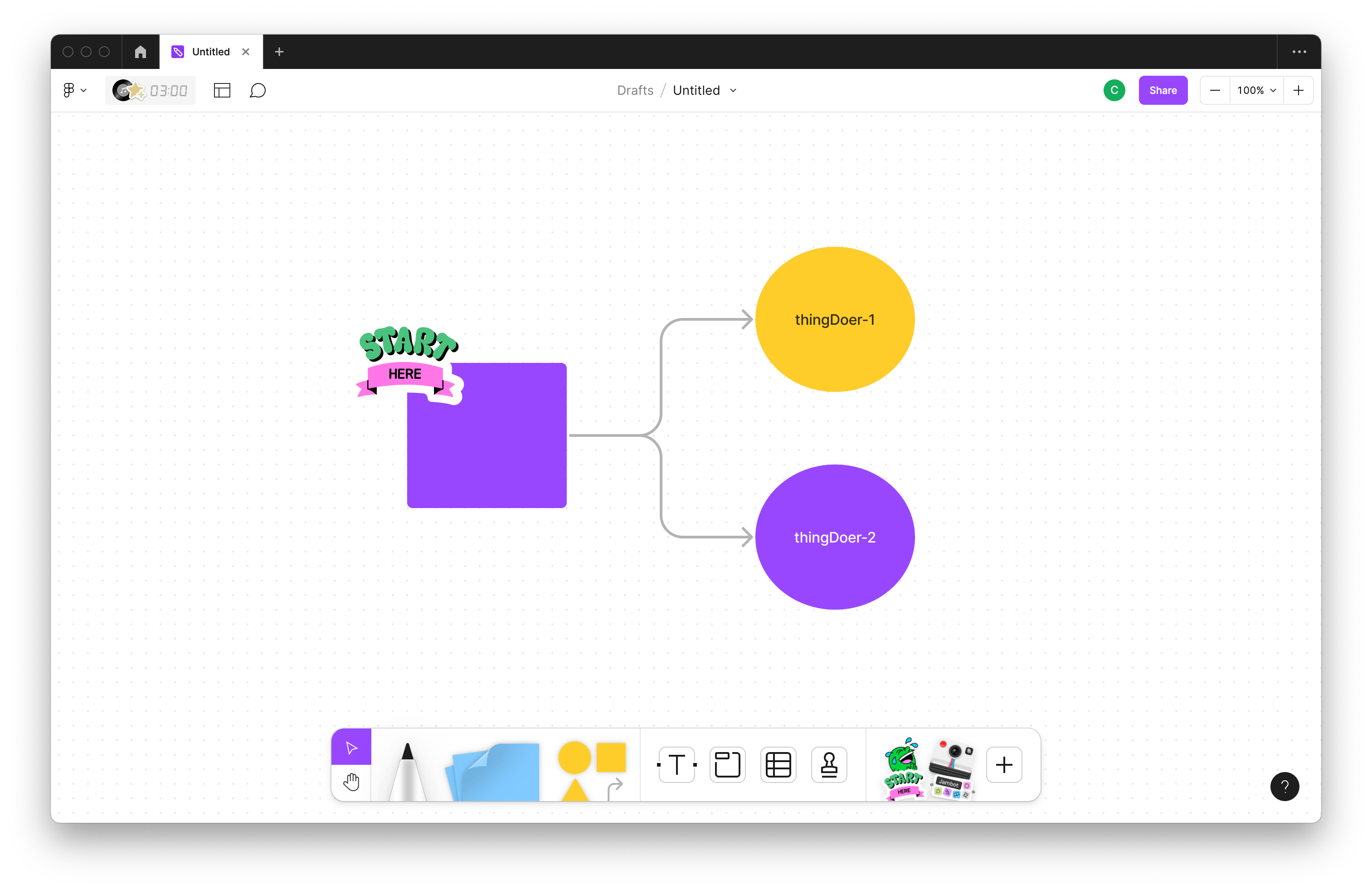
It’s pretty darn nice really, and the fact that it’s also designed with real-time-or-not group collaboration in mind makes it a pretty cool choice. How smart of Figma to open up their tooling so that not just visual designers get use out of it.
There are probably 100 more options.
Paper, there’s one.
JavaScript libraries galore. Weekend hackathon projects. Who knows what all. What’s your favorite?
Related
ncG1vNJzZmibmKe2tK%2FOsqCeql6jsrV7kWlpbGdgbnxyhY6wn56mXa68tnnNnpydZaSkeqW%2BwLBkrKedmnqou9KhZJ2ZnpyypXnBqK%2Beq12ptaLAjJqpnmWTpLuvscKtnJ1lpKR6tLvMnmSorJiav26zzqyfZpyRp7umsIybprGdo2LEqsDHZpirqp%2BswG6vzqelnpuknruoedOhnKZn